30characters

30characters Blog

The latest from 30characters and Google Ads Tips

What's New: June 2026: Build entire campaigns, not just ads

What's New: June 2026: Build entire campaigns, not just ads

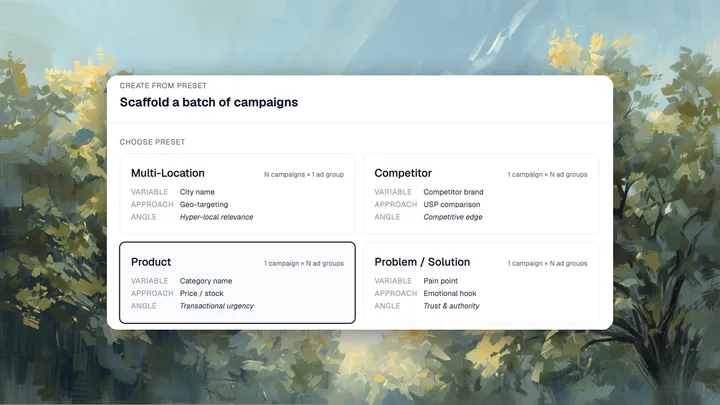
You can now build complete Google Ads campaigns in 30characters and import them via Google Ads Editor. Pick a strategy, point it at a client's site, and 30characters builds the whole thing — keyword research, headlines, descriptions, and full structure — while keeping you in control.

By Raymond Sam

✨What's new: Teams Support

✨What's new: Teams Support

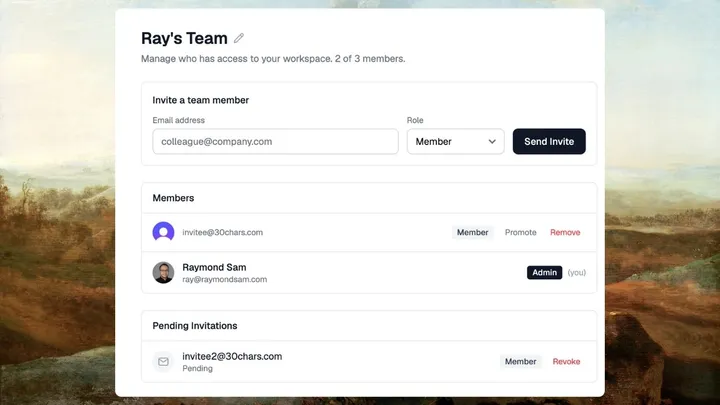
You can now invite teammates to your 30characters workspace. One Pro subscription covers up to 3 seats — no per-seat charges.

By Raymond Sam

✨ What's new: Feb 2026 - Improved Ad Gen, AI Negatives & more

✨ What's new: Feb 2026 - Improved Ad Gen, AI Negatives & more

After launching the negative keyword monitor last month, the focus shifted to polishing the core workflows. Better ad generation, a smoother path to Google Ads, and a handful of quality-of-life improvements across the board. Here's everything that shipped.

By Raymond Sam

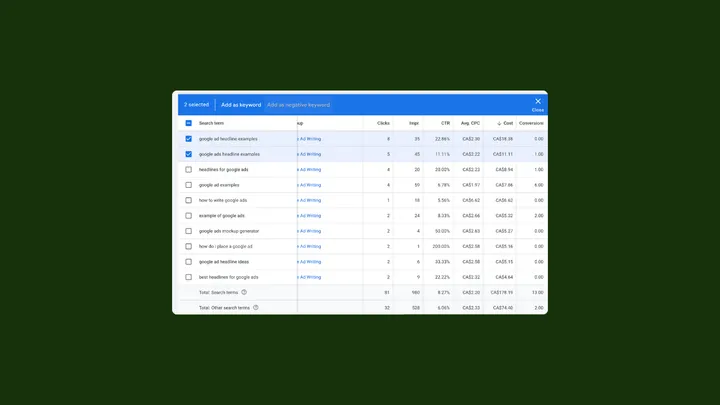
Guide: How to Find and Add Negative Keywords

Guide: How to Find and Add Negative Keywords

If you're running Google Ads, you've probably had that moment. You pull up your search term report and see someone clicked your ad after searching "free accounting software" when you're selling a $200/month subscription. Or your HVAC company showed up for "HVAC technician salary."

By Raymond Sam

✨ What's New: Negative Keyword Monitoring

✨ What's New: Negative Keyword Monitoring

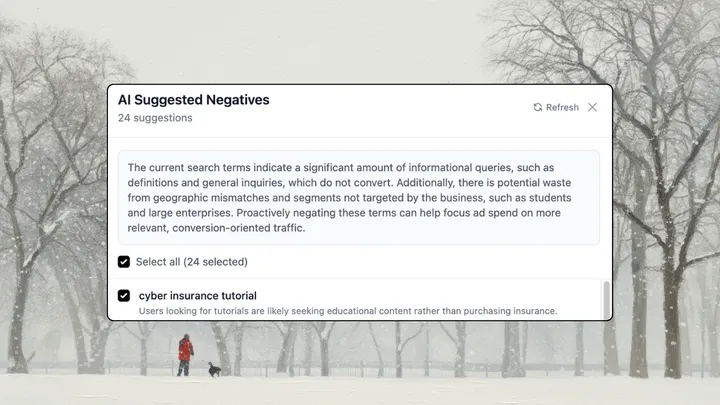
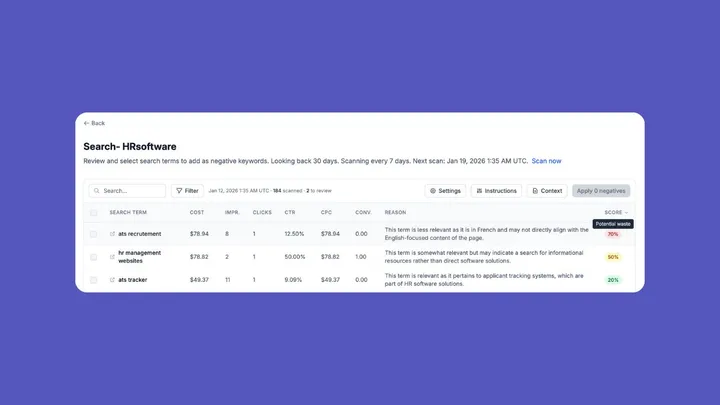
We’ve added a feature that Google Ads managers have been doing manually for years—reviewing search term reports and finding wasted spend. Now 30characters can flag terms for you automatically.

By Raymond Sam

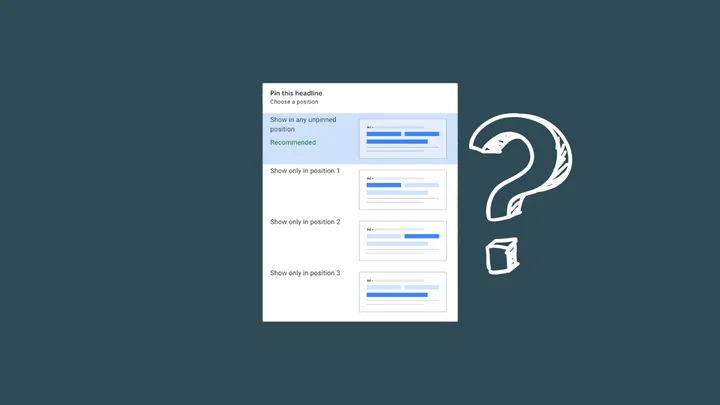
Google Ad headlines: To pin or not pin

Google Ad headlines: To pin or not pin

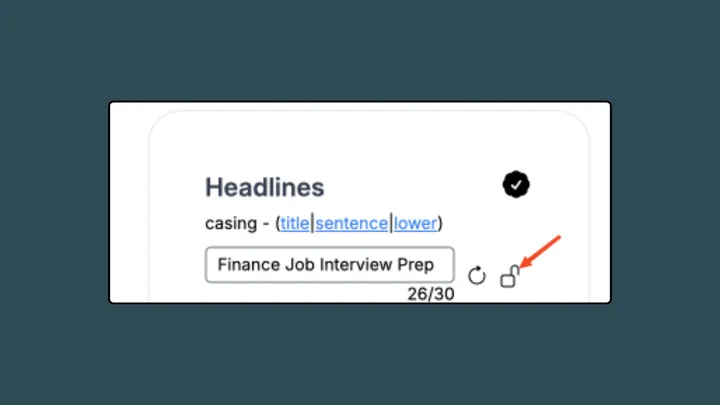
Every time someone types something into Google, there’s an auction that happens in real time. Your ad is competing with others. So here’s a simple breakdown of how it all works. No jargon, just the stuff that matters.

By Raymond Sam

Google Ads Bidding Algorithms Explained

Google Ads Bidding Algorithms Explained

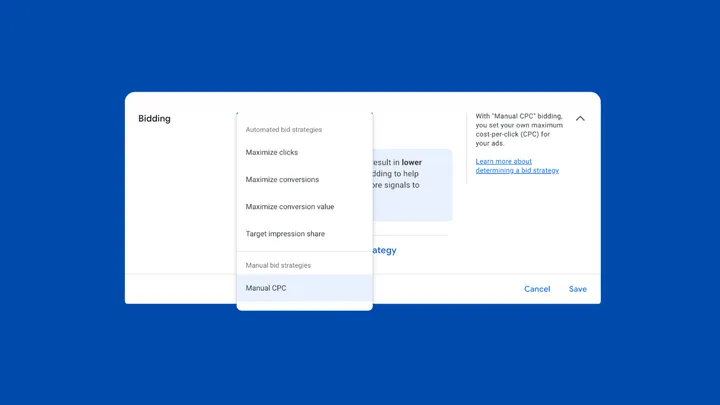
Every time someone types something into Google, there’s an auction that happens in real time. Your ad is competing with others. So here’s a simple breakdown of how it all works. No jargon, just the stuff that matters.

By Raymond Sam

How to get the most out of Target CPA in Google Ads (updated for 2025)

How to get the most out of Target CPA in Google Ads (updated for 2025)

I’ve used Target CPA (tCPA) in dozens of campaigns over the years, and while it can be one of the most powerful bidding strategies in Google Ads, it only works if you approach it with the right expectations and timing. If you're evaluating whether tCPA is the right fit, here’s how I think about it and what I recommend to clients.

By Raymond Sam

Google Ads Match Types: Exact, Phrase & Broad in 2025

Google Ads Match Types: Exact, Phrase & Broad in 2025

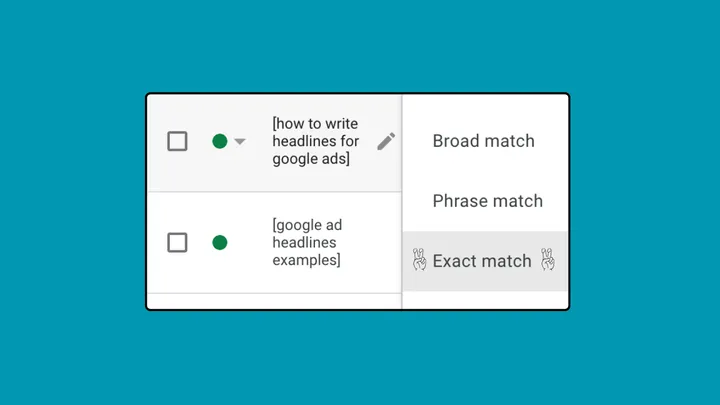
If you’ve been running Google Ads for a while, you’ve probably felt the shift. I definitely have. I still remember the days when broad match modifier gave reliable flexibility, and exact match actually meant exact. The control was clean, the strategy was straightforward, and the results were easier to trace back to specific keywords.

By Raymond Sam

✨ What's New: Ad Previews

✨ What's New: Ad Previews

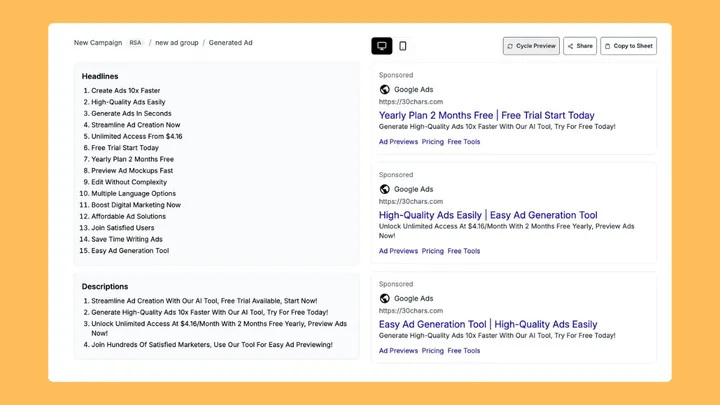
You can now preview all of your generated and edited ads by clicking the top right preview button. This is helpful for seeing headline and description combos so you can fine-tune them even more.

By Raymond Sam

✨ What's New: A couple of UI improvements

✨ What's New: A couple of UI improvements

Good news! We're seeing a lot of usage in 30characters. Bad news: The more ads you all are creating, the harder it was to navigate. So we've added a few things.

By Raymond Sam

✨ What's New: February 2025 - Quick Create

✨ What's New: February 2025 - Quick Create

I've been sending these updates through email to our signed up users. I realized I should've been posting them on the blog as well this entire time. This is a catch up!

By Raymond Sam

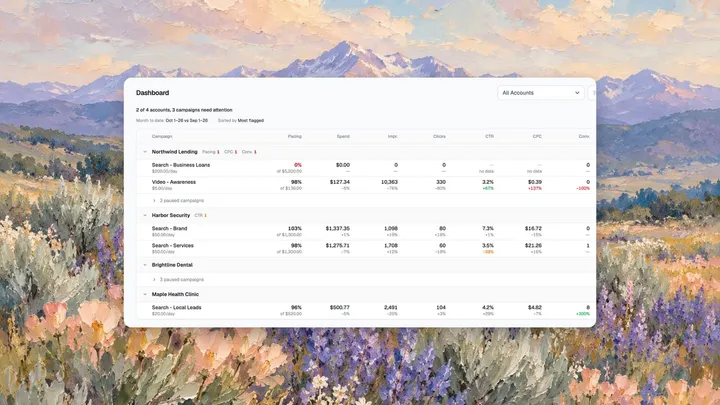
Tips for Managing Google Ads Budget Monitoring and Spend Pacing

Tips for Managing Google Ads Budget Monitoring and Spend Pacing

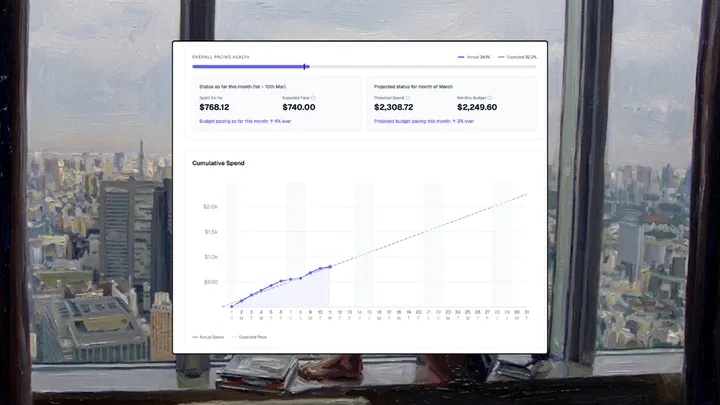
Ad pacing is essential for keeping your Google Ads campaigns on track. It ensures your budget is spent evenly over time, so you avoid overspending early or running out of funds at the end of the month. Here’s how to master ad pacing in Google Ads and maximize your campaign performance.

By Raymond Sam

Best Google Ads Competitor Analysis Tools 2025

Best Google Ads Competitor Analysis Tools 2025

Competitor analysis tools let you uncover the keywords they’re targeting, the ads they’re running, and even the landing pages they’re using to convert leads. This information can help you refine your campaigns, improve ROI, and outperform the competition.

By Raymond Sam

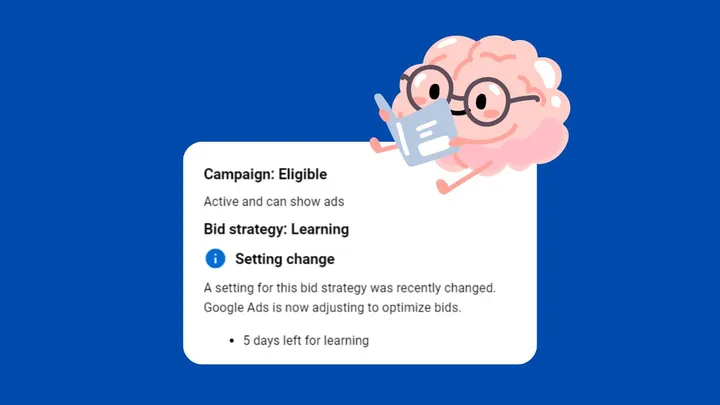
All the things that can start learning phase in Google Ads

All the things that can start learning phase in Google Ads

The Google Ads learning phase can disrupt your campaigns, leading to inconsistent performance and wasted budget. If you're managing a campaign, avoiding re-entering this phase is key to maintaining stability and achieving predictable results.

By Raymond Sam

The 9 Best PPC Reporting Tools in 2026

The 9 Best PPC Reporting Tools in 2026

A great reporting tool can save you time, show you what’s working, and help you make decisions that drive better results. Here’s a list of the best PPC reporting tools, in my opinion.

By Raymond Sam

How Many Ads Should You Have in a Google Ads Ad Group?

How Many Ads Should You Have in a Google Ads Ad Group?

Creating Google Ads that perform well is about more than just good writing—it’s also about structure. One big question advertisers have is: How many ads should you put in each ad group? Let's break it down.

By Raymond Sam

Write high-performing Google ads and find wasted spend without the busywork

Generate high-performing ads from any landing page in minutes. Find search terms burning your budget and add negatives in one click.