How to Use Keyword Concatenate Mixer
Using the Keyword Mixer tool is simple:
- Enter Your Keywords: Input your keywords into the three text boxes. Each column should contain a separate list of words or phrases.
- Mix Keywords: Click the “Mix Keywords” button. The tool will instantly generate all possible combinations of the keywords from each column.
- View and Copy: The mixed keywords will appear in the bottom text area. You can review them, resize the text area for easier viewing, and click the copy icon to copy the entire list to your clipboard.
- Clear and Start Again: If you want to create a new set of combinations, simply click “Clear” to reset the tool and start over.
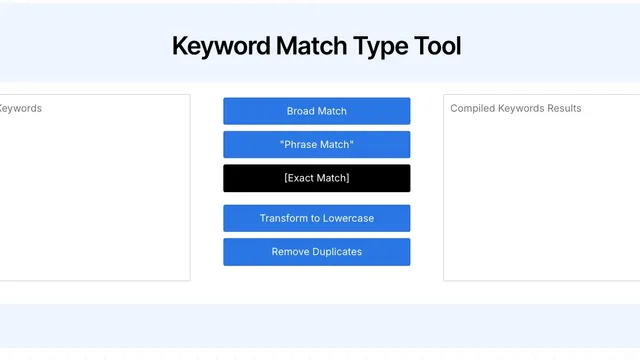
- Copy keywords over to thekeyword match type tool to get your broad, phrase & exact matches as well.
Why Use the Keyword Mixer?
In the past, when Google Ads allowed for true exact match and broad match modifiers, marketers often mixed keyword prefixes and suffixes to create better general coverage across all keywords. This approach was particularly useful for targeting long-tail keywords that could capture specific, high-intent searches.
While exact match and broad match modifiers have evolved, the Keyword Mixer still serves as a valuable tool. Here’s how you can use it today:
- Generate Ideas: The Keyword Mixer helps you brainstorm new keyword combinations that you might not have considered. By mixing different prefixes, root words, and suffixes, you can discover potential keywords that are relevant to your audience.
- Help with Keyword Research: Use the generated keyword list to perform volume checks. This allows you to identify which combinations have the most search potential, helping you focus your efforts on the most promising keywords.
- Optimize Google Ads: You can still use the Keyword Mixer to create variations for your Google Ads campaigns. By generating a diverse list of keyword combinations, you ensure that your ads reach a broader audience and cover more search queries.
The Keyword Mixer remains a powerful tool for generating keyword ideas, optimizing your campaigns, and ensuring you have comprehensive coverage across different search queries.