Up to now, 30characters has been about generating great ads. This release goes a step bigger: you can now build complete Google Ads campaigns and import them straight into Google Ads Editor.
Pick a strategy, point it at a client’s website, and 30characters builds entire campaigns for you — keyword research, headlines, descriptions, the full structure. All while keeping you in control: steer an individual ad, a whole campaign, or set the rules once across a client or your entire agency.
You can set up an account’s worth of search campaigns in minutes.
Presets
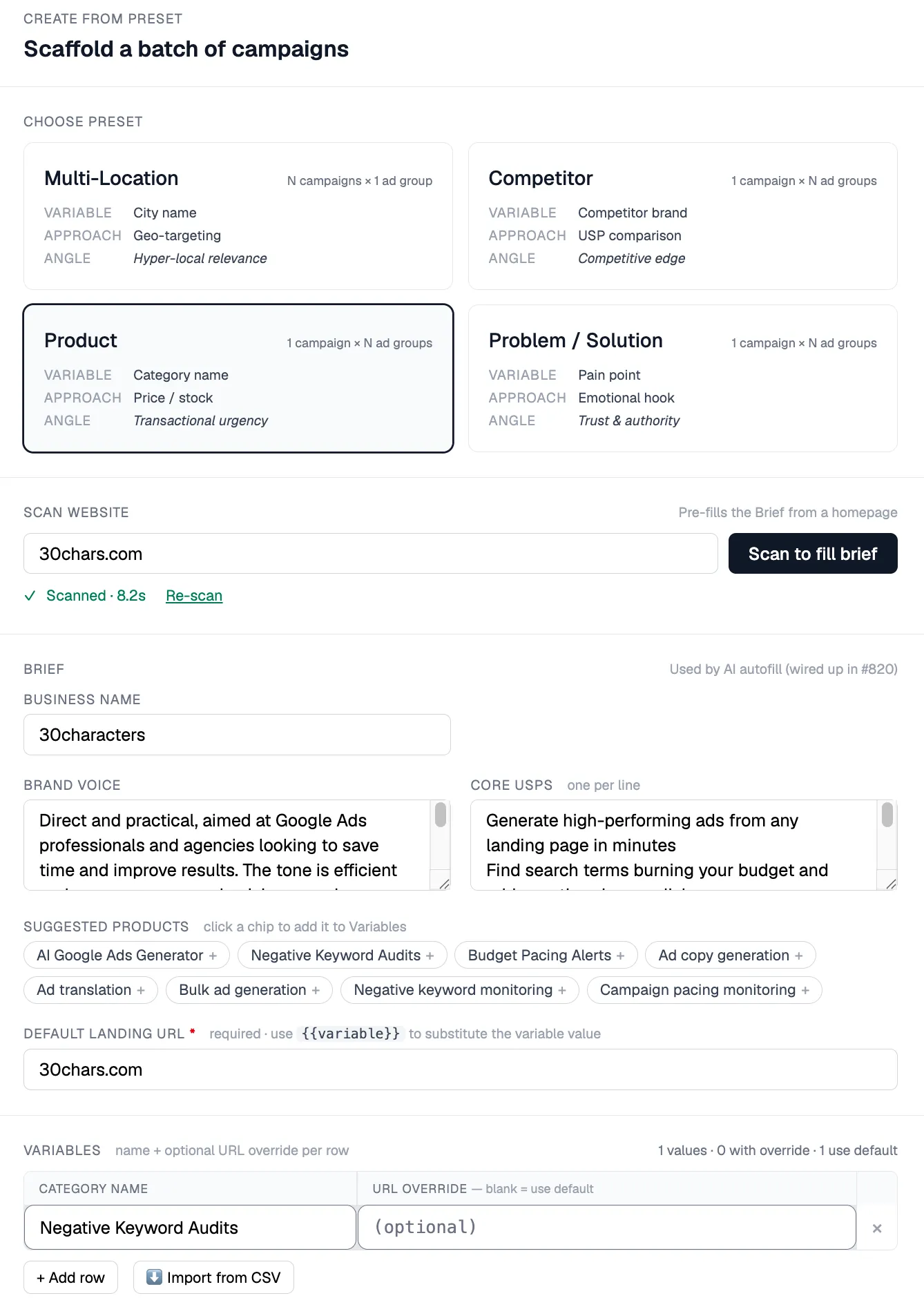
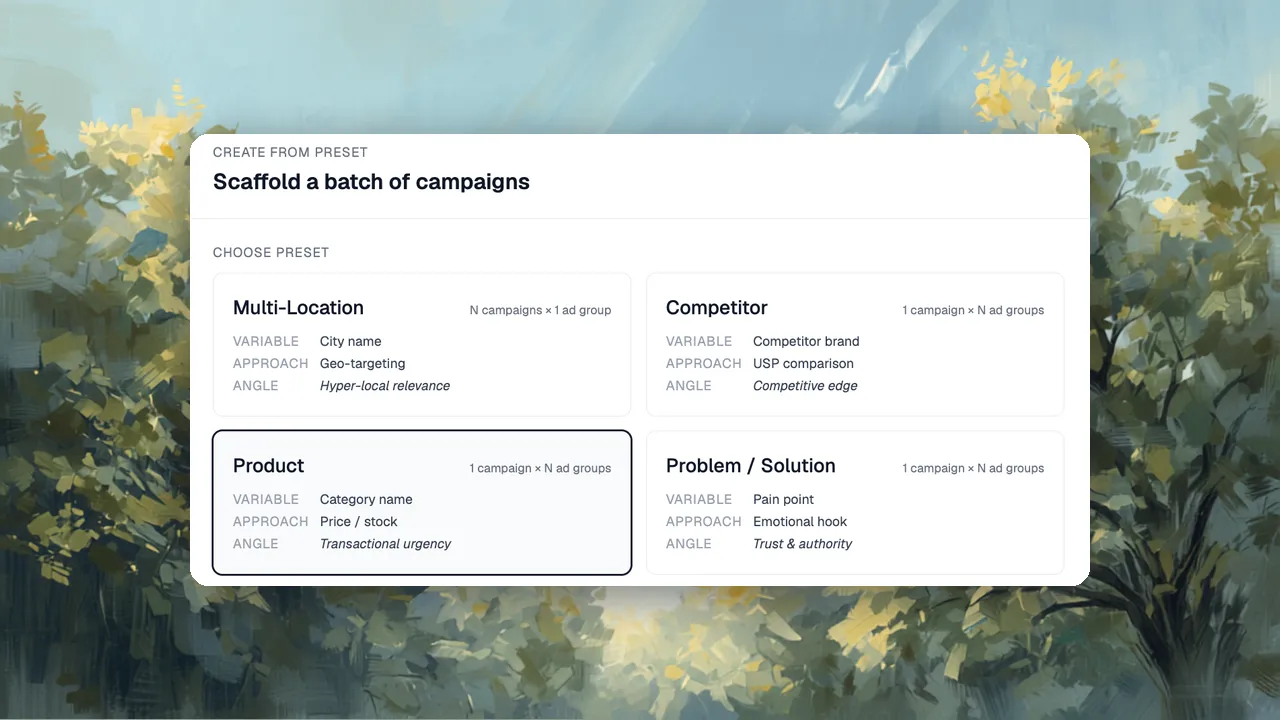
A preset is a predefined structure for a campaign. Pick one and 30characters builds the entire campaign structure around it: ads, keywords, all of it.
- Multi-Location — add your cities and it spins up a campaign for each
- Product — it pulls the products off the site and builds around them
- Competitor and Problem/Solution — same engine, different angle, with each variable becoming a new ad group
You set the budget, bidding, and campaign settings. It handles the structure.
You don’t have to use presets, but they really do streamline the build process. There’s also a “Scan to fill brief” step that reads a homepage and pre-fills the business name, brand voice, and core USPs so you’re not starting from a blank form.
If there’s a preset you’d like to see, I’d love to hear it.
Playbooks
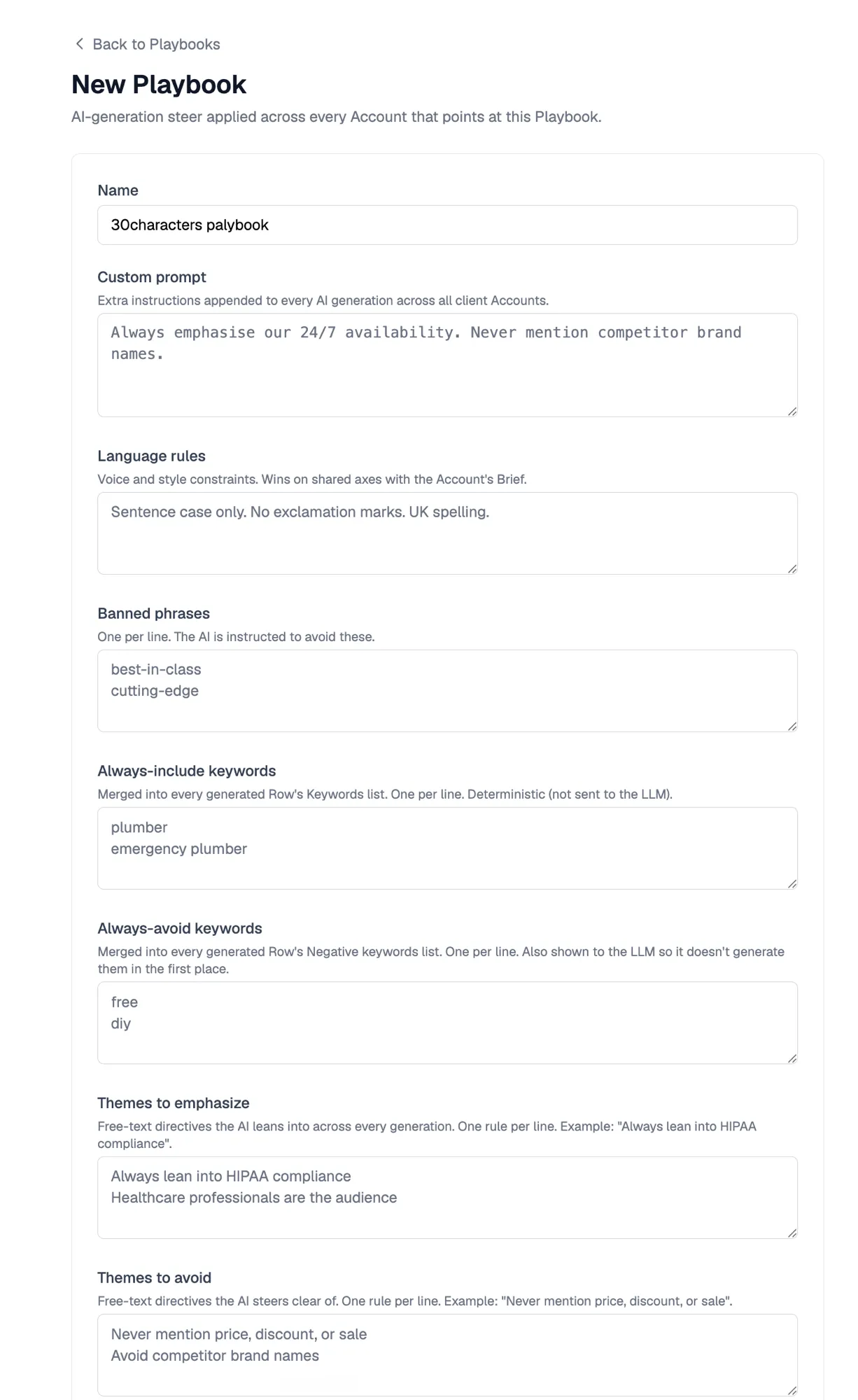
Once you’ve dialed in how you like your campaigns set up, save it as a playbook and every future build follows it — no re-explaining your standards each time.
A playbook can set:
- Language rules, custom instructions, and themes to emphasize
- Banned phrases
- Keyword strategy: broad, phrase, or exact, plus always-include and always-avoid keywords
- Default campaign settings, like Max Conversions every time
- A default keyword research market, so volumes match the right region
- Per-preset overrides when one strategy needs its own structure
Set it once, apply it across every new build.
Output
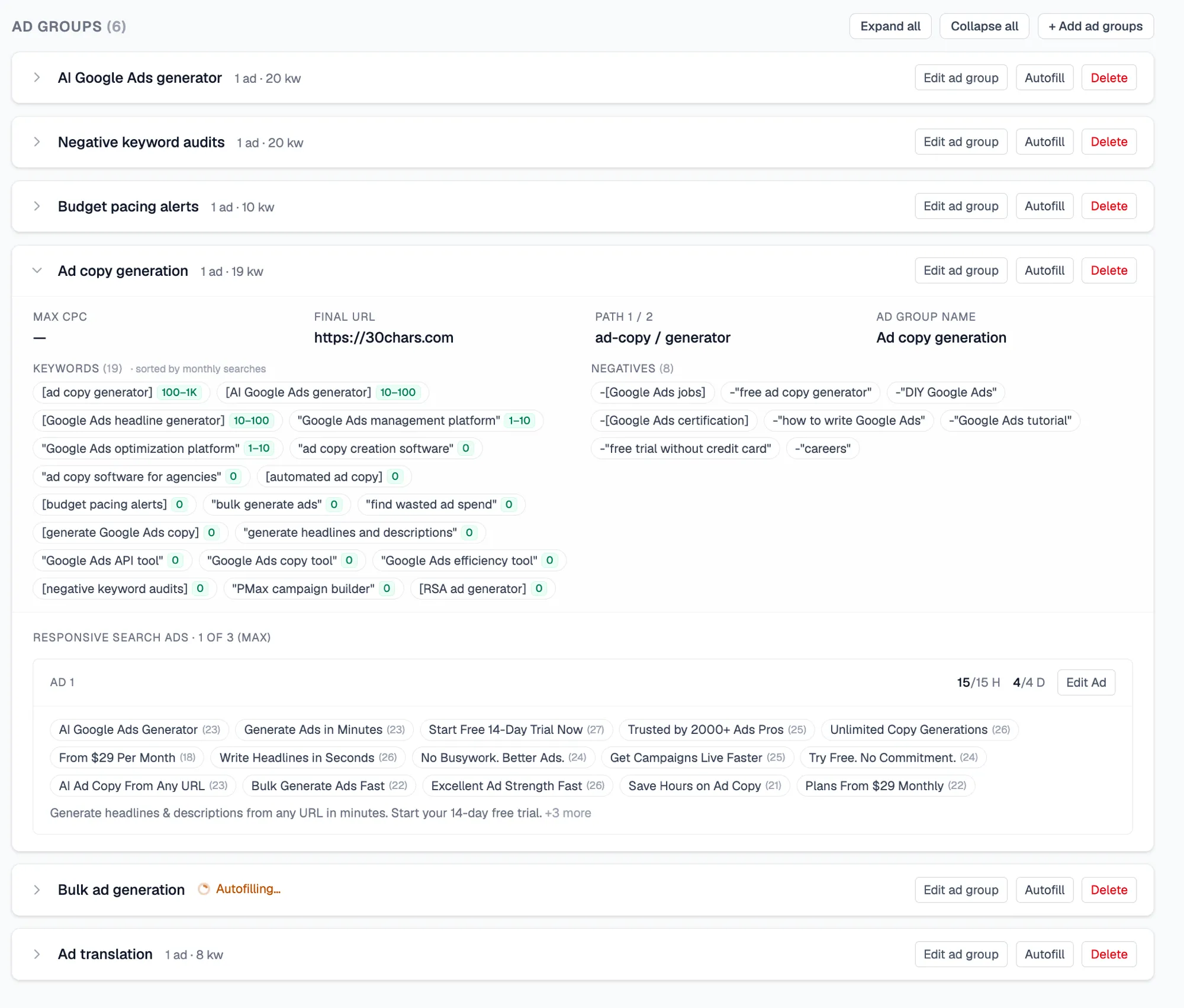
With those settings in place, 30characters builds one or many campaigns, complete and ready to refine:
- Keyword research so you start from volume-informed suggestions
- Headlines, descriptions, and display paths for every ad
- Per-page and per-ad adjustments whenever you need to fine-tune
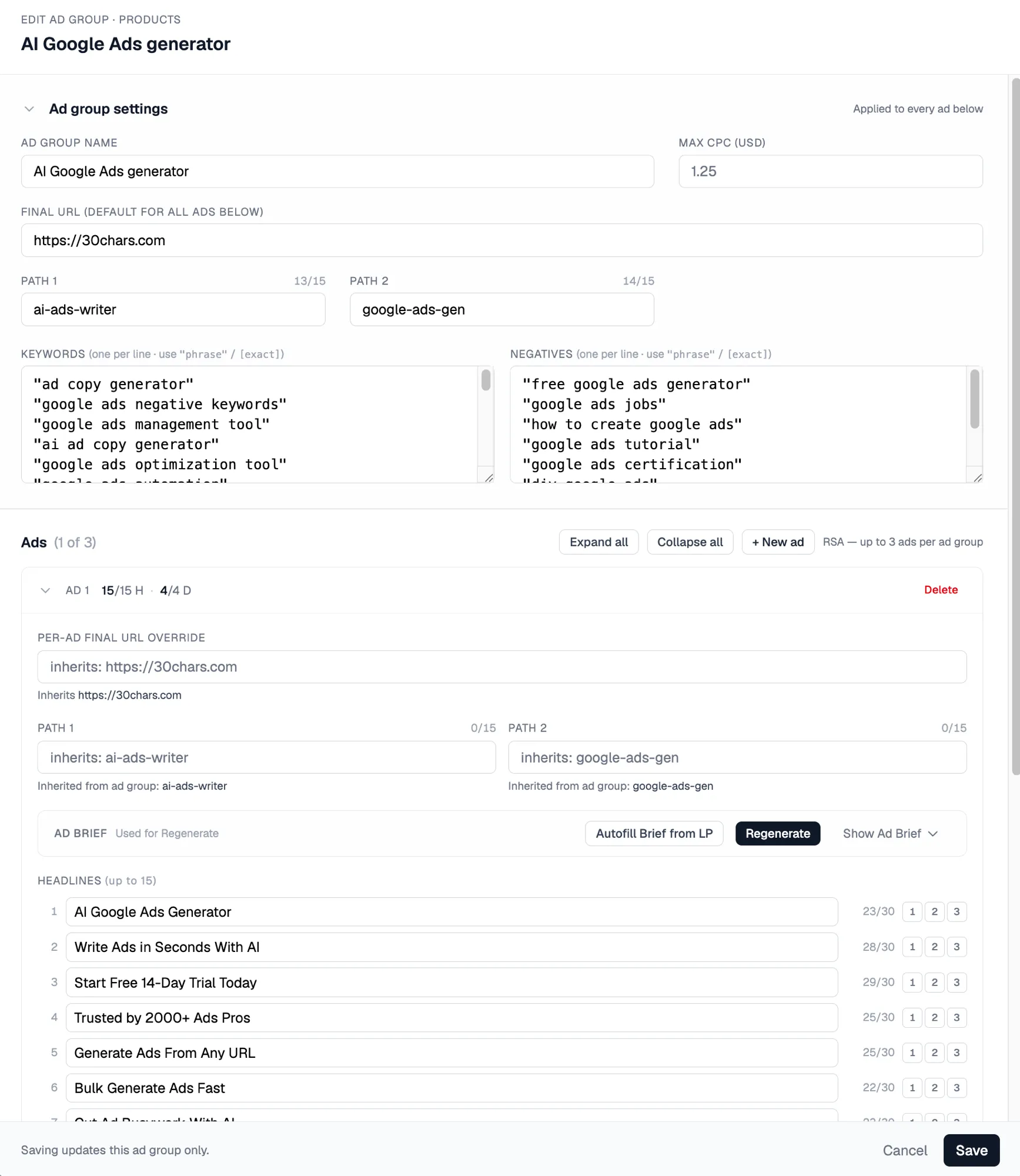
Edit what you want, leave the rest, and export straight to Google Ads Editor.
What’s Next
30characters will keep building more tools to operate campaigns at scale.
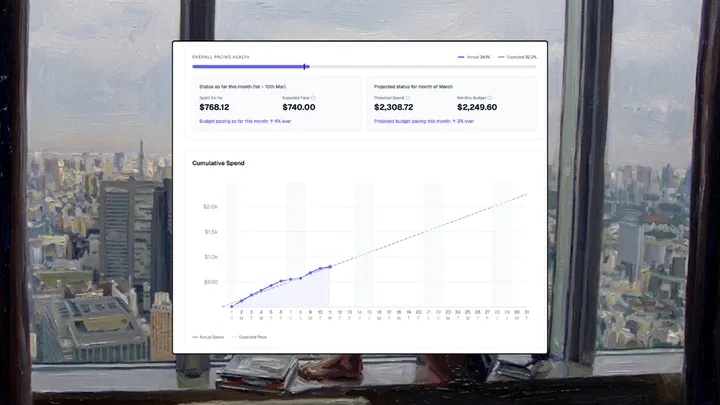
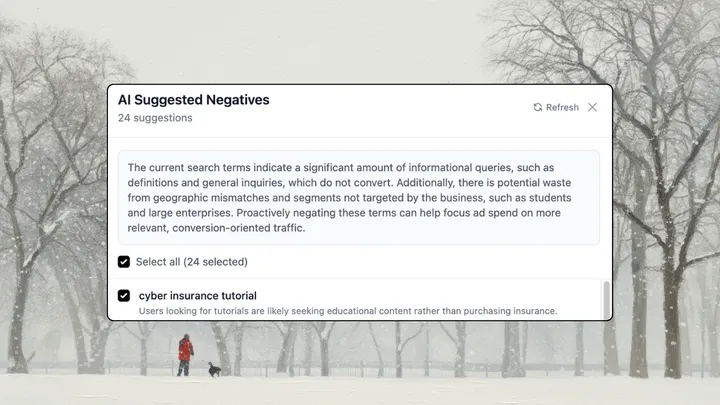
Everything that’s an individual function right now — like the negative keyword monitor and budget pacing — will become more visible across multiple campaigns and accounts in a dashboard view.
This new feature also needs a general polish: improving the UX and keyword functionality are the core focuses. And pushing all campaigns straight to Google Ads is on the list too.