After launching the negative keyword monitor last month, the focus shifted to polishing the core workflows. Better ad generation, a smoother path to Google Ads, and a handful of quality-of-life improvements across the board.
Here’s everything that shipped.
Improved ad generation
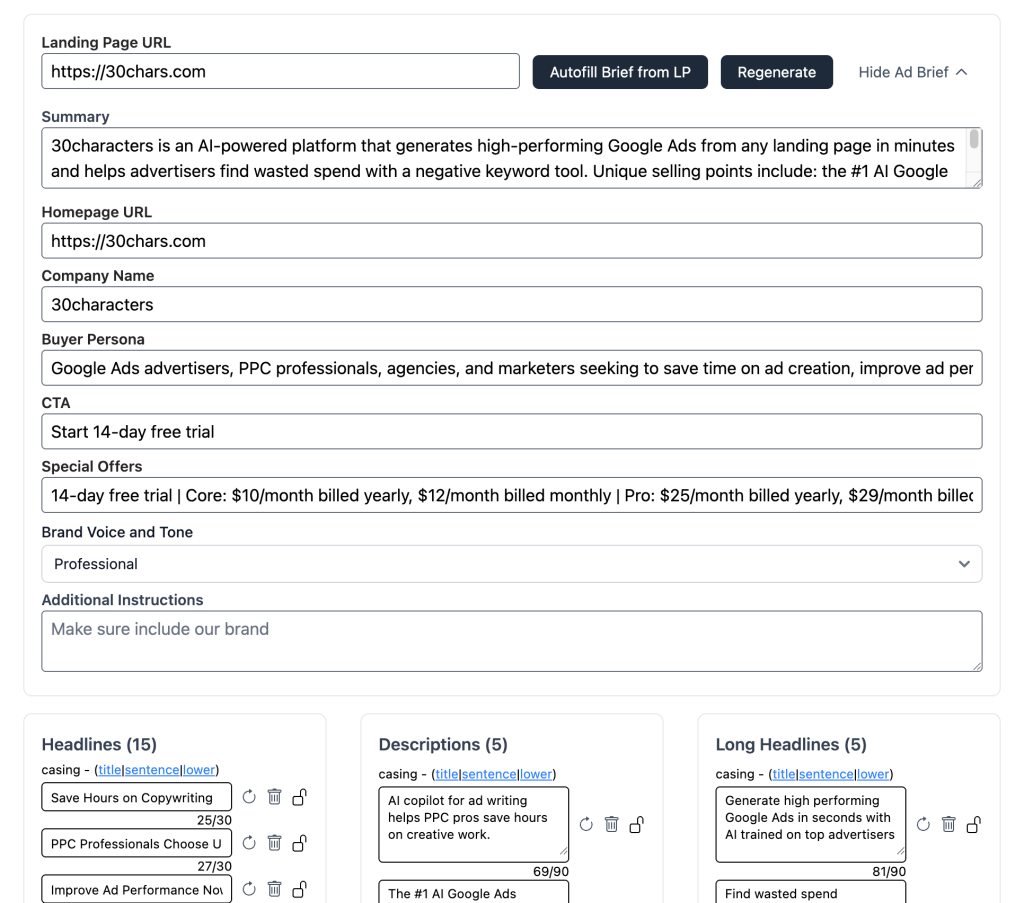
The entire ad generation system has been rewritten. Copy is now more aware of your landing page content, business context, and key brand phrases.
Ads also adapt to your campaign type (Search, PMAX, Demand Gen) and pull in location details if you’re a local business. The output is noticeably better across the board.
The autofill step now extracts more from your landing page too, including buyer persona, CTA, and special offers, so the ad brief is more complete before you even start generating.
The editor layout has also changed. You can now see more of your content at once, and the brief can be hidden once you have it set the way you like.
AI negative keyword suggestions
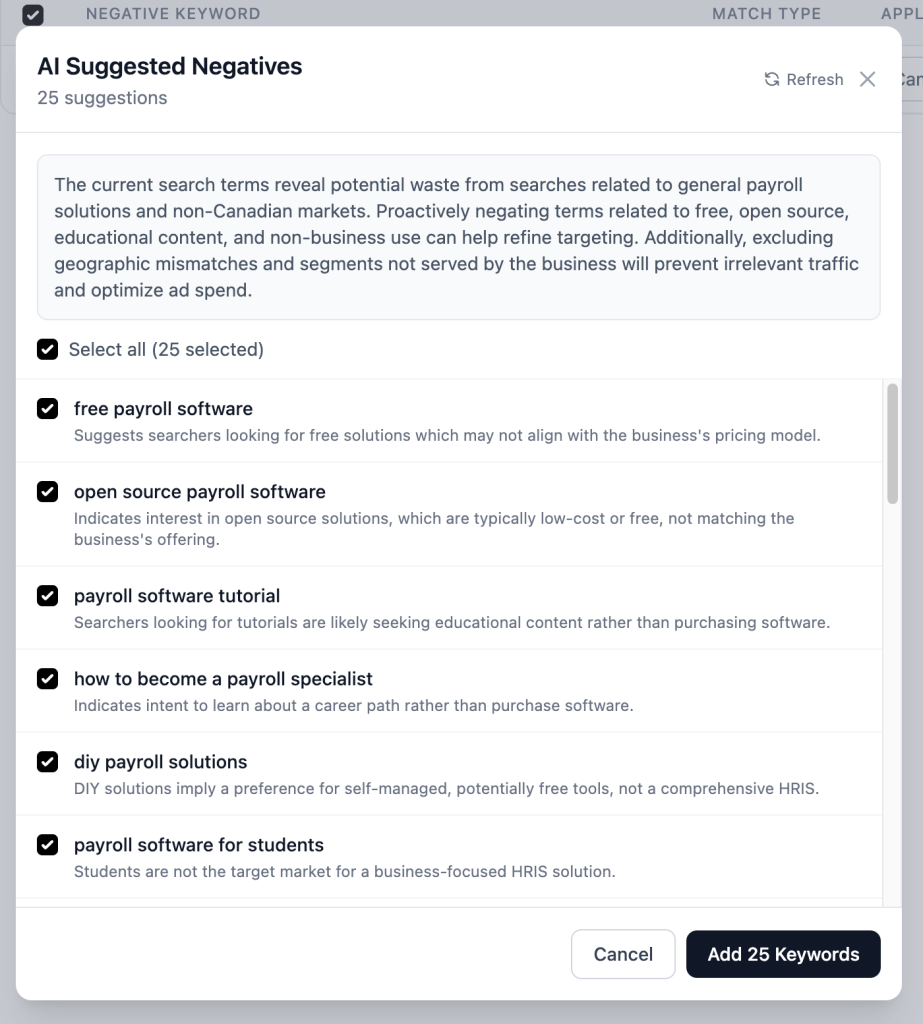
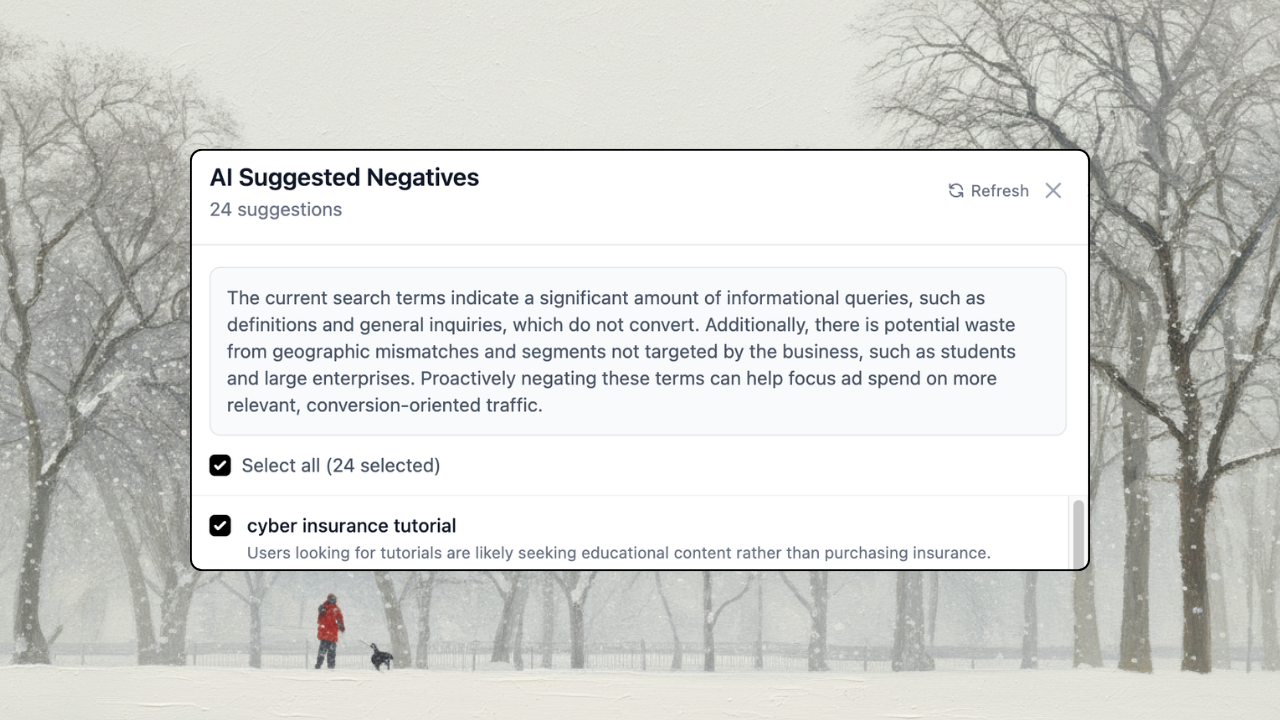
After running a negative keyword scan, you can now get AI-suggested negatives based on your business context and the search terms you picked to negate.
Given how PMAX and broad match work, this is a necessary addition to preemptively filter out low-value keywords before they eat into your budget.
Direct push wizard
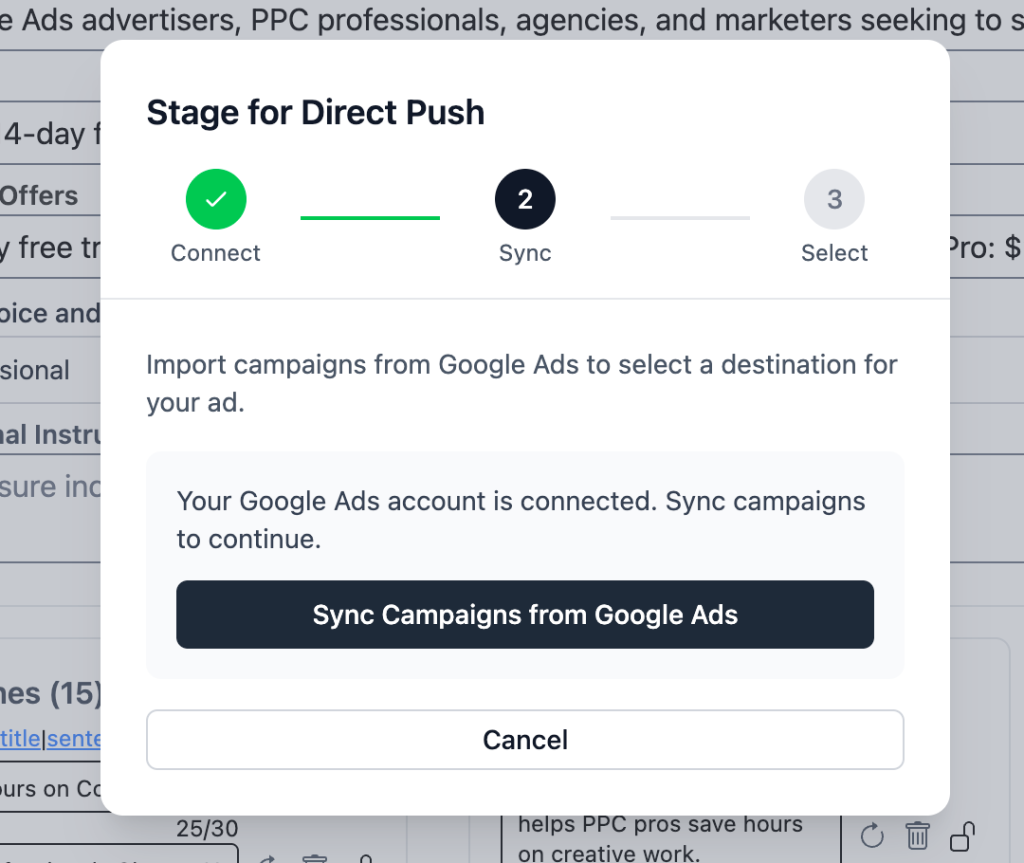
Getting from quick ad creation to pushing to a Google Ads account was confusing. That’s been fixed.
Staging ads for Google Ads is now a guided 3-step flow: connect your account, sync a campaign, and select your destination. All without leaving the page. No more bouncing between screens.
Ad performance stats
After pushing, pulling, or importing ads, you’ll now see last-30-day clicks, impressions, and CTR right in the app. No need to hop over to Google Ads to check how things are performing.
Also improved
Flexible keyword levels. Apply negative keywords at the campaign, ad group, or account level, giving you more control over where they take effect.
Rename synced ads. You can now rename ads synced from Google Ads, making it easier to organize your workspace.
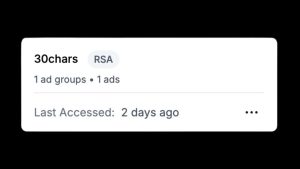
Smarter RSA naming. Synced RSAs now show the URL path and ad group name instead of generic IDs, so you can actually tell them apart at a glance.
Bug fixes
A few things that were cleaned up behind the scenes:
- Long headlines with 65-90 character targets were being filtered as too short due to a word-to-character ratio miscalculation. Fixed, with retry logic for edge cases.
- Synced ads were showing generic IDs instead of readable names.
- Long breadcrumbs were blowing out the layout on narrower screens.
- MCC (Manager) accounts were hitting a permission error when pushing ads. Resolved.
- A handful of edge cases in the editor and sync flow were squashed.
What’s next
Budget pacing is in the works. A way to track your spend and stay on target throughout the month.
Ad generation is also getting better sitelink and callout support, plus improved language handling for non-English campaigns. More on all of that soon.
Until the next one!
— Raymond